



| Home | : | Support | : | Training Program |
Find answers to the most asked questions about Axel software
Axel Foundation Training
| Objective: | Use of Axel Foundation for manual CMM machines |
| Duration: | 1 or 2 days |
| Participants: | 1 - 3 people |
| Entry Requirements: | None |
| Training Program: | Overview Typical Mouse Operation (Left Button - selection, Right Button - properties) Measure Window Tabs and setup, Multiple views in the Measure Window, adding and deleting views, Standard Views definition in the Setup Properties: Measure Window properties include: default number of measured data points per feature, point feature probe correction, elements shown in Measure Window. DRO Window and Toolbox Editing and Saving Status Line description Current Probe, Operating Mode, Units, Reference System, Projection Plane Measuring Probe Setup - Probes Manager Selection - Probes Window Calibration - Probe Calibration Measurement Feature Select, Data Point collection, Finish, Using Measured Features as input data points Reference System, Projection Alignment Element and Coordinates systems Machine datum - after switching the machine on, Element - part datum, Coordinates - local datums Setting Up an alignment Plane, line and origin Feature List Feature List Execution, Highlight the first feature to start execution from and press Go Remeasurement, Highlight feature and press Remeasure Continue Measurement, Highlight feature and press Remeasure Results Results Window Results setup for printout, Configure and Configure All - chooses which features to print Tolerances and Tolerances All - which feature results to print |
Pipe Wizard Training
| Objective: | Use of Axel Pipe Wizardfor manual CMM machines and measuring arms |
| Duration: | 1 day |
| Participants: | 1 - 3 people |
| Entry Requirements: | Axel Foundation 1/2 day introductory training |
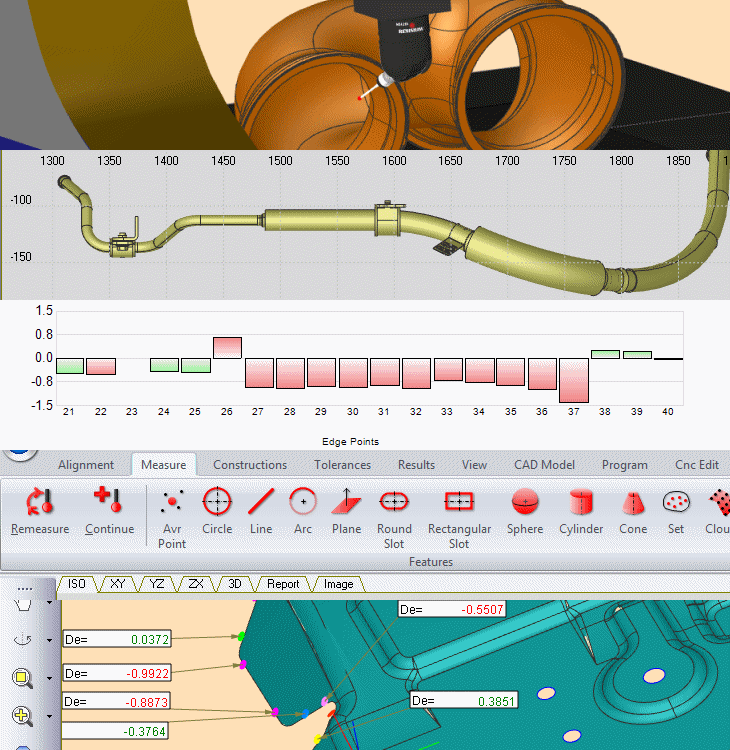
| Training Program: | Overview Introduction to Pipe Wizard and Pipe feature. Pipe Command and Pipe Wizard Pipe command operation and its properties, Parameters Tab - setting up Pipe Wizard input parameters, Nominal Values, BracketssetTabs and setup, Multiple views in the Measure Window, adding and deleting views, Standard Views definition in the Setup Pipe Feature List generated by Pipe Wizard Pipe Results - graphics results, pipe report Measuring a new pipe Generating pipe Feature List- pipe parameters, nominals Executing Pipe Feature List - measuring a pipe, Pipe Results - graphics results, pipe report Pipe Alignment - unadjusted datum and best fit datum Results Pipe Results - results in Results Window: Nominal Table, Unadjusted Table, Adjusted table, Deviations Table Measure Window Results Graphical report Interfacing CAD export, interface to pipe benders |
CAD / Surface Inspection Training
| Objective: | Use of Axel Surface for manual or CNC CMM machines |
| Duration: | 1 days |
| Participants: | 1 - 3 people |
| Entry Requirements: | Axel Foundation 1 day training |
| Training Program: | Overview Typical Mouse Operation (Left Button - selection, Right Button - properties) Measure Window Tabs and setup, Multiple views in the Measure Window, adding and deleting views, Standard Views definition in the Setup Properties: Measure Window properties include: default number of measured data points per feature, point feature probe correction, elements shown in Measure Window. DRO Window and Toolbox Editing and Saving Status Line description Current Probe, Operating Mode, Units, Reference System, Projection Plane Measuring Probe Setup - Probes Manager Selection - Probes Window Calibration - Probe Calibration Measurement Feature Select, Data Point collection, Finish, Using Measured Features as input data points Reference System, Projection Alignment Element and Coordinates systems Machine datum - after switching the machine on, Element - part datum, Coordinates - local datums Setting Up an alignment Plane, line and origin Feature List Feature List Execution, Highlight the first feature to start execution from and press Go Remeasurement, Highlight feature and press Remeasure Continue Measurement, Highlight feature and press Remeasure Results Results Window Results setup for printout, Configure and Configure All - chooses which features to print Tolerances and Tolerances All - which feature results to print |
CNC with Visual Programming Training
| Objective: | Use of Axel CNC for automatic CMM machines |
| Duration: | 2 days |
| Participants: | 1 - 3 people |
| Entry Requirements: | Axel Foundation 1 day training |
| Training Program: | Visual Programming Program Manager Visual Programing window, Parameters List, Expressions and Variables, CNC program structure Setup Creating CNC program in Learn Mode New or append program, relative or absolute moves, using standard measuring sequences while creating a program. ModeTabs and setup, Multiple views in the Measure Window, adding and deleting views, Off-Line programming, Standard Views definition in the Setup Measure Widow indication of the program, program layers, standard program commands Creating Program off-line Off line programming, entering and editing commands, folders Creating general cnc sequences, input parameters, variables manager CNC program commands - reference Move/Probe commands Program flow commands: pause, wait, execute, repeat, loopCurrent Probe, Operating Mode, Units, Move commands: move absolute and relative, scanning moves, setting up move parameters Probe commands- probe menu commands, selecting a probe Measure commands Other commands - folders, import export results, messages Standard CNC sequences - overview discussion of standard measuring sequences supplied by Axel. PH10M probe calibration PH10 probe calibration - only for the machines with PH10M probe fitted |